
Document in the reader. Data in your software.
A8PRO CR transfers identity card and passport details to your business system. Less manual entry — more attention to your customers.
Card reader · Passport scanner · Windows
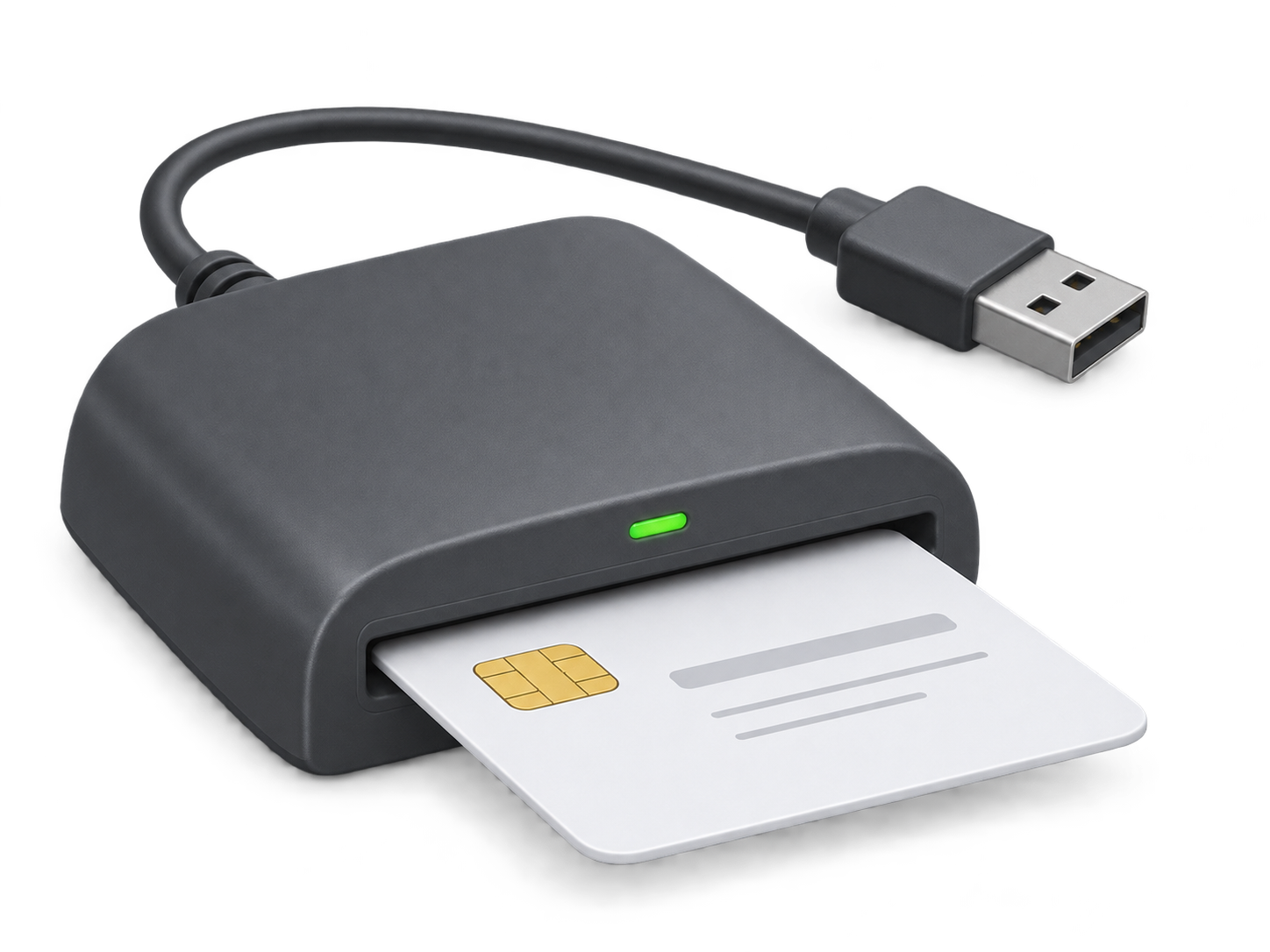 Card reader
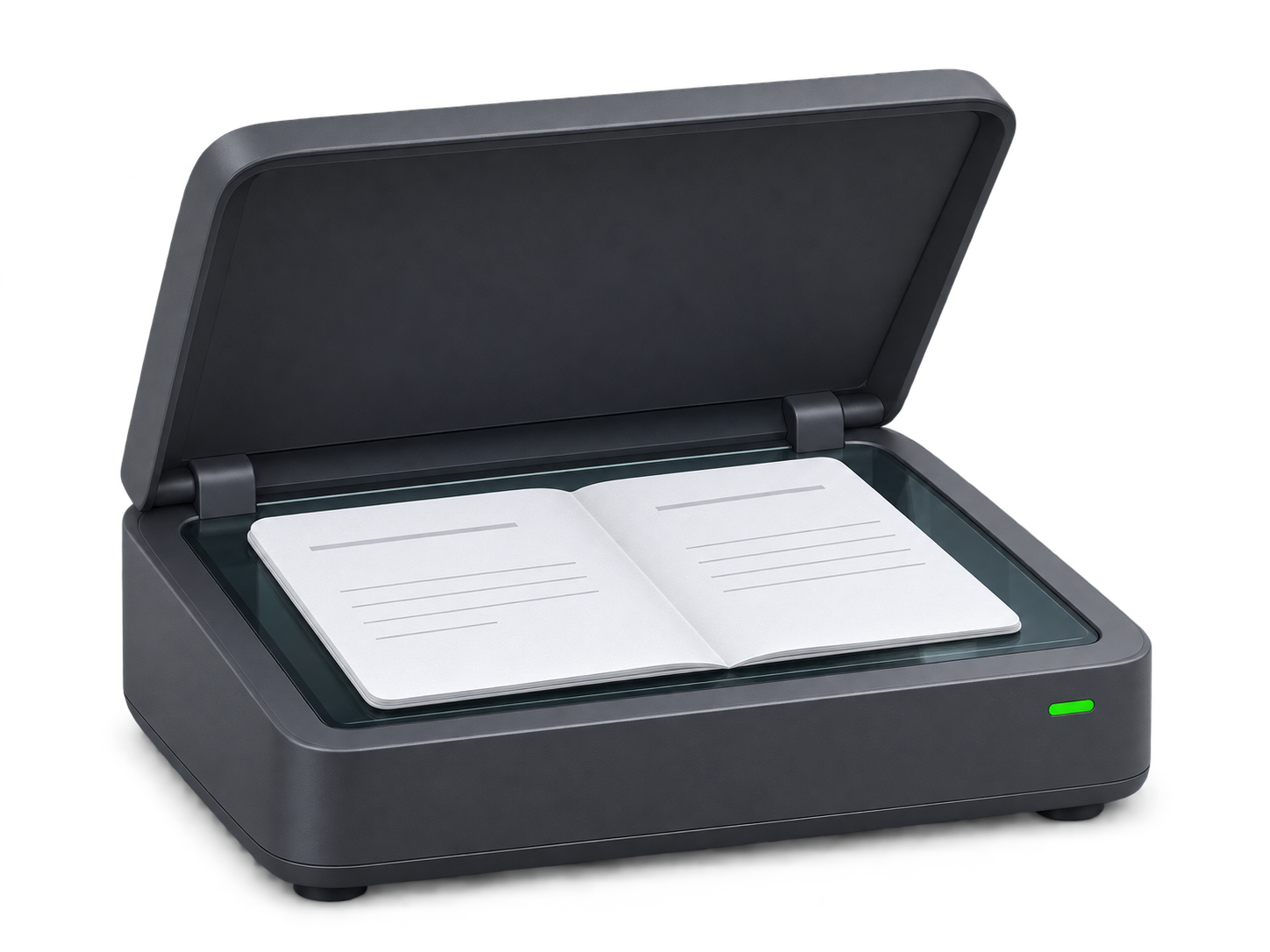 Passport scanner
Card readers and passport scanners have been tested and operate successfully with A8PRO EXCHANGE at more than 400 currency exchange offices.
About A8PRO EXCHANGEOne workflow. Two ways to read documents.
Choose a device for the documents your customers present.
Identity card — via its chip
Insert a compatible identity card into the reader. A8PRO CR reads available chip data and sends it to your software.
- No retyping document details
- Data directly from the chip
- Convenient for regular customer service
A compatible document, device and driver are required.
Passport — via a scanner
Place the passport on a compatible scanner. A8PRO CR receives data from its machine-readable zone — MRZ — and sends available fields to your software.
- Convenient for passport processing
- Name, document number and dates from the MRZ
- One consistent customer workflow
MRZ fields differ from chip data. We check document and scanner compatibility before connection.
Three steps to a completed customer record
Insert an identity card into the reader or place a passport on the scanner.
The connected software receives the data. The operator checks the result.
Use the reviewed fields for customer records and documents in your system.
Illustrative example
- Full name
- Surname Given name
- IIN
- IIN from document
- Document
- Number from document
Waiting for a document
What data your software receives
- Full name
- IIN, when available
- Document number and type
- Issuing authority
- Date and place of birth
- Citizenship and ethnicity
- Issue and expiry dates
- Sex
- Issuing country
- Given name and surname in Latin script (MRZ)
Available fields depend on the document and reading method. The operator can add missing information in the business application.
For workplaces that register customers every day
Currency exchange offices
Customer details go to the business software for transaction processing.
Pawnshops
Helps populate customer records and agreements.
Hotels and service companies
Document details for registration and customer service.
Personal data protection
Read documents without an internet connection
A8PRO CR runs on the user’s computer. A card reader or passport scanner reads the document and sends the data to the connected software through a local interface.
Works offline
Reading a document and transferring the result locally do not require internet access.
No mandatory cloud upload
Reading takes place at your workstation. There is no need to upload a document photo to an online recognition service for this process.
Data under your control
The result goes to your software for review and client processing. You control access to the workstation and subsequent storage.
Offline operation refers to reading and local data transfer. Activation, updates and access to the connected system are agreed during implementation. Result storage depends on your software.
Add document reading to your software
A local HTTP interface is available for 1C, CRM and industry software. We check the fields and connection method on your configuration.
- Software and version
- Documents and required fields
- Device and Windows
- Workflow validation
Questions before connecting
Is internet access required?
Reading a document and transferring the result locally do not require internet access. Activation, updates and your main software’s requirements are agreed during setup.
Can I use my existing reader?
Tell us the device model, Windows version and document types. We will check compatibility. If you have not chosen equipment yet, we can help identify a suitable option.
Can it read digital documents on a phone?
The card reader reads an original document’s chip; the passport scanner reads its machine-readable zone. Use QRScan for digital documents displayed on a customer’s phone. Both solutions can work together.
What does setup include?
We agree on the software, equipment and integration work. The package, licence and cost depend on your workstation and system.
Does reading verify document authenticity?
Extracting data and checking field formats do not, by themselves, verify a document’s authenticity. Additional checks are considered separately.
Let’s find a solution for your workplace
Tell us about your software, documents and equipment. We will help define the connection requirements.